MsgBoard — Unified Messaging for Your Entire Clinic
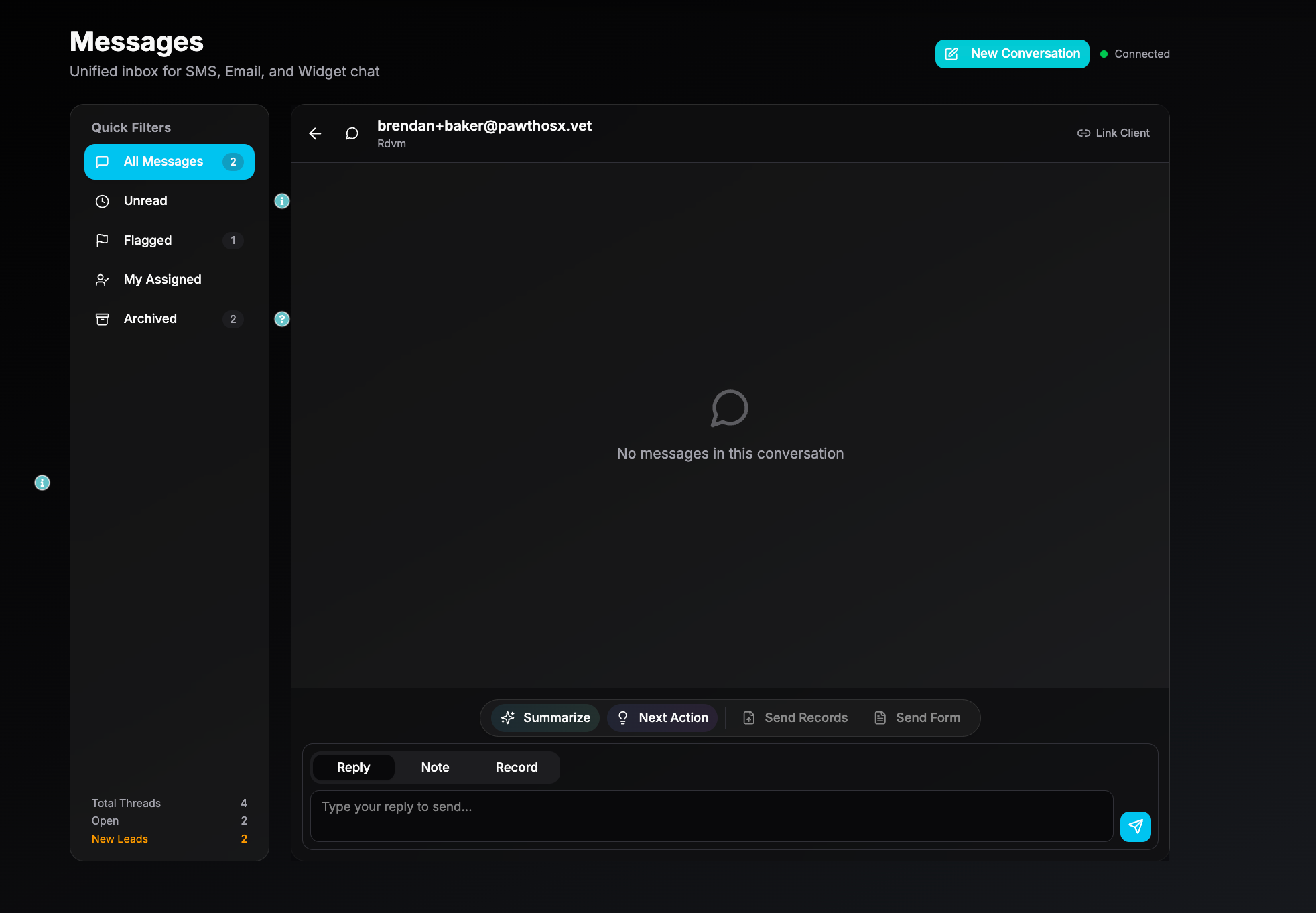
MsgBoard is the single-stream communication hub inside ClinicOS.
Written By Brendan Baker
Last updated 3 months ago
It merges every client-facing and internal message into a single, organized workspace — eliminating inbox chaos, reducing missed messages, and keeping every conversation tied to the correct patient and visit.
MsgBoard is designed to replace:
scattered email inboxes
external texting apps
messy note chains
staff-to-staff handoffs that vanish
siloed communication channels
Everything lives in one unified stream, visible across the team, and fully synced with the patient record.
What MsgBoard Does
1. Unified Client Communication
MsgBoard consolidates all incoming and outgoing:
client text messages
client emails
MyPet App messages
follow-up questions
automated reminders and confirmations
form responses
appointment status updates
medication refill notices
Every message is automatically linked to:
the correct client
the correct patient
the correct visit (when applicable)
No cross-checking inboxes. No jumping between systems.
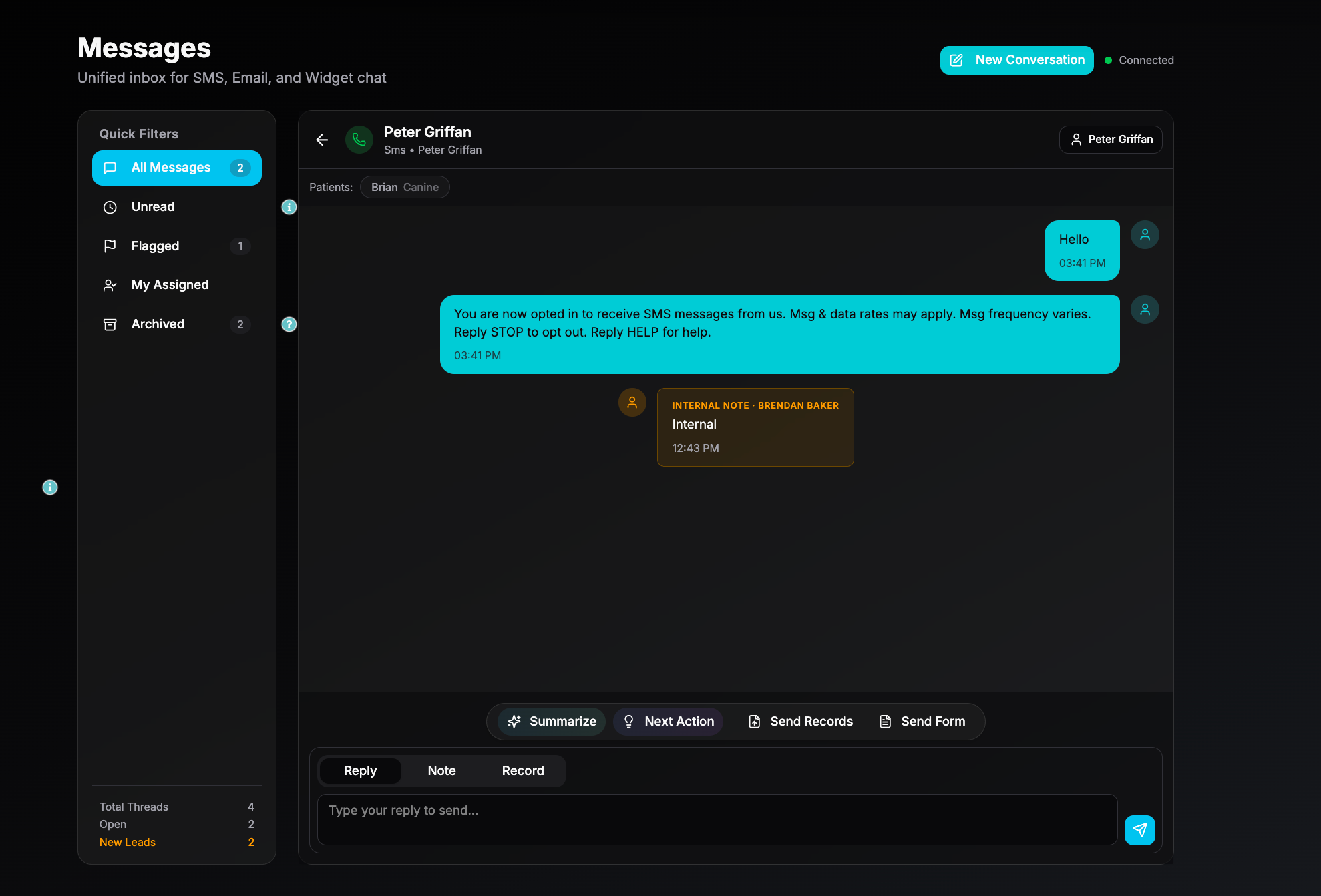
2. Internal Team Messaging
Teams can use MsgBoard as an internal stream for:
case discussions
quick updates
clarifications
photo or file sharing
Internal messages stay separate from client-facing messages but live in the same interface for visibility.
3. Attachment & Media Support
MsgBoard supports:
photos
videos
PDFs
lab results
forms
signed documents
discharge summaries
Attachments automatically store in the patient record for continuity.
How MsgBoard Works
1. Incoming Messages
When a client reaches out via:
SMS
email
MyPet App
online booking follow-up
medication refill request
…it appears instantly in MsgBoard.
ClinicOS automatically:
identifies the client
matches the patient
surfaces relevant chart info
categorizes the message type (billing, medical, scheduling, refill, etc.)
Staff choose how to respond without leaving the page.
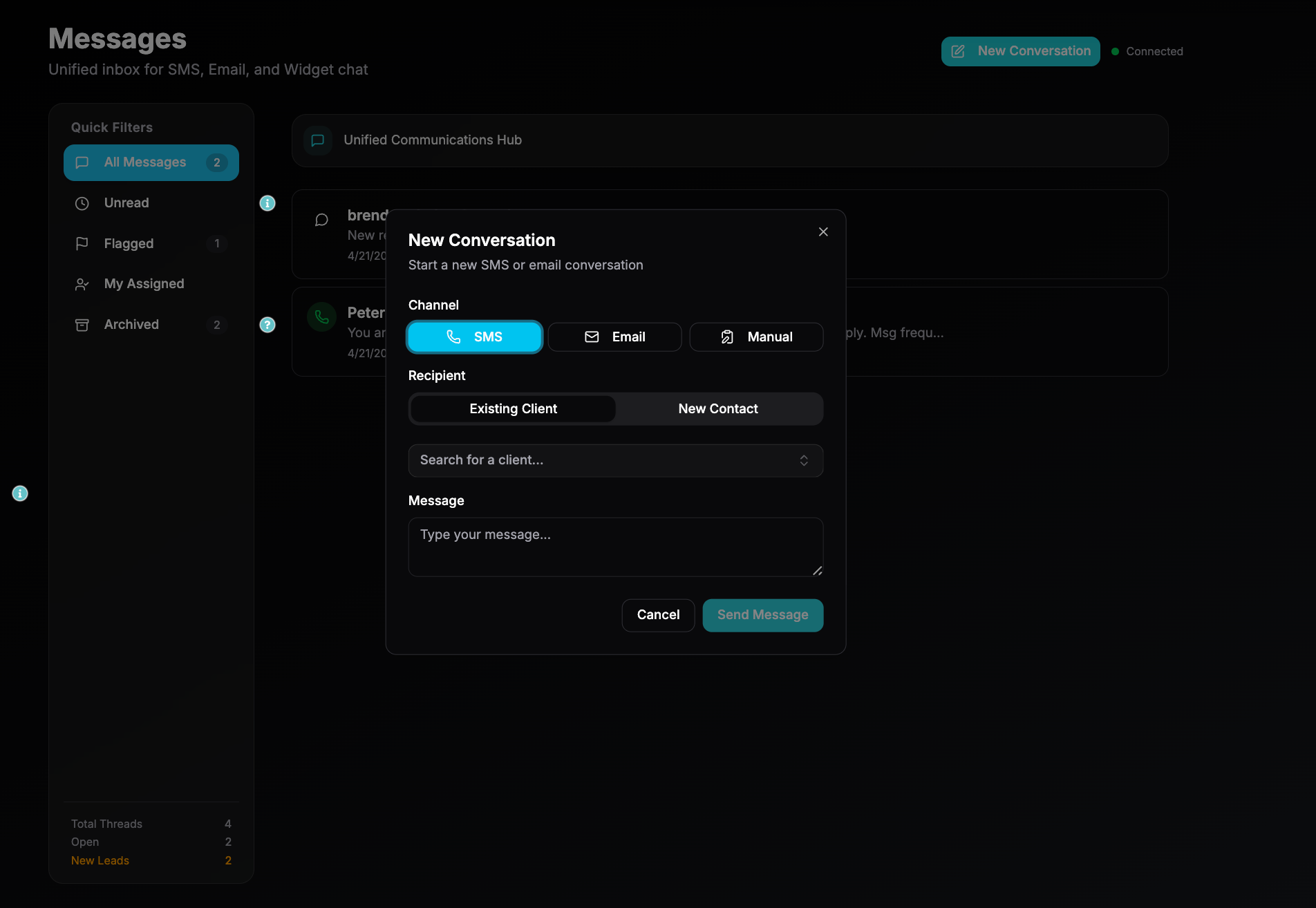
2. Outgoing Messages
Staff can send:
SMS replies
email replies
secure MyPet messages
attachments
intake/consent forms
payment links (if enabled)
educational PDFs / post-op instructions
photo/video updates
MsgBoard automatically logs outgoing messages to the patient record.
3. Conversation Threads
Each client has a single continuous thread, regardless of:
channel
device
time of day
team member responding
This eliminates fragmented conversations and lost history.
Threads include:
timestamps
user tags
message type
attachments
automated events (e.g., “Refill request submitted,” “Form completed,” “Payment received”)
4. Workflow Integration
Messages route into Workflow when they require action:
Refill requests → Medication Approvals
Appointment changes → Scheduling Queue
New client forms → Intake Workflow
Post-op concerns → Clinical Review
HomeDelivery requests → Delivery Queue
Billing questions → Payments
RDVM messages → ReferralHub
No message dies in a void.
Key Features
Unified View
All communication channels in one place.
Filtering
Search by:
patient
client
staff member
message type
unread
channel
date range
attachments
Smart Alerts
MsgBoard highlights:
urgent messages
overdue replies
unread threads
triage-sensitive content
client messages containing “emergency keywords”
Form Sending
Send intake, consent, new client, or surgical forms from MsgBoard with one click.
Role-Based Visibility
Admins can control:
who can see messages
who can send messages
who can handle specific categories (billing, medical, etc.)
Example in Action
A client texts:
“Fluffy is still limping after yesterday’s visit — what should we do?”
Here’s what happens:
MsgBoard captures the text.
ClinicOS links it to Fluffy’s record and yesterday’s visit.
The message is flagged as clinical.
A tech replies asking for a short video.
Video arrives → tech attaches it to the chart.
DVM reviews it from MsgBoard → responds with next steps.
A follow-up task is automatically created in MyTasks.
All communication is saved in CaseFolder.
No switching tools. No message lost. No fragmented records.
Integrations
CaseFolder
Every MsgBoard interaction appears in the patient’s full journey.Workflow
Messages requiring action create tasks automatically.Online Booking
Confirmation and reminder messages appear inside MsgBoard.Forms
Send and receive forms directly from the thread.MyPet App
App messages merge with email/SMS into one unified stream.Payments
Payment links, receipts, and confirmations appear in the thread automatically.HomeDelivery
Delivery requests and updates are visible in the conversation.Why MsgBoard Matters
For Clinics
Less phone time
Fewer missed messages
Centralized documentation
Faster response times
More organized workflows
For Clients
Predictable communication
Direct access to the care team
Faster answers
Everything in one place
For Teams
No more digging through inboxes
Clear accountability and visibility
Seamless handoffs
Threaded documentation
MsgBoard turns communication from a stress point into an operational asset.
Important Notes
⚠️ Clinical decisions should not be made solely from a message thread.
Photos, videos, and client descriptions are helpful but never replace an exam.
⚠️ AI classification (if enabled) is advisory only.
Staff must review all client communications manually.
⚠️ All client-facing medical advice must follow your clinic’s medical director guidelines.
⚠️ MsgBoard cannot bypass legal documentation requirements.
Prescriptions, controlled substance approvals, and medical records must follow established workflows.
Was this helpful?
Still need help? Ask the team