Zapier Integration Expanded: 134 PawthosX Operations
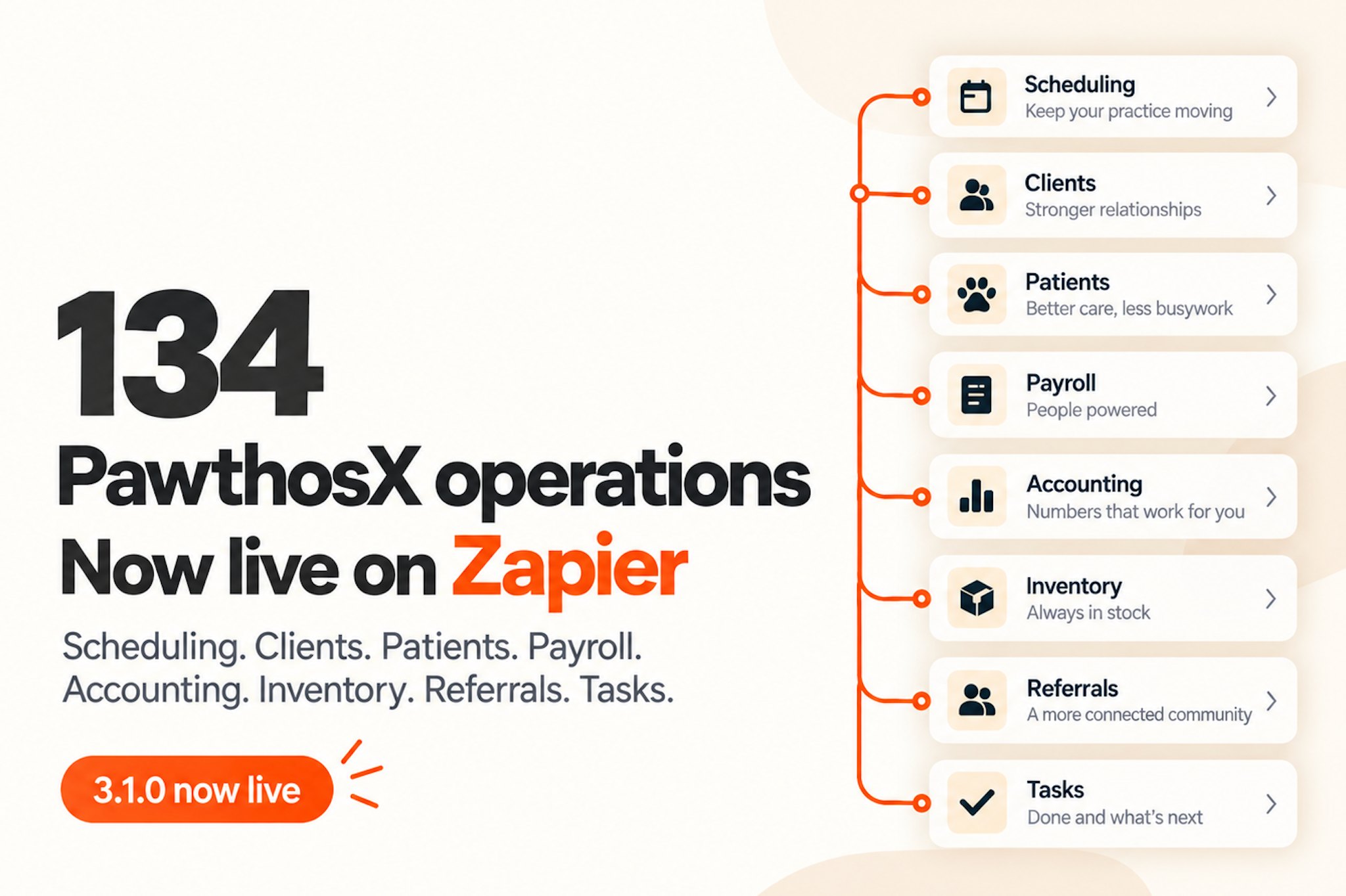
We’ve expanded the PawthosX Zapier integration to support 134 operations across scheduling, clients, patients, staff workflows, accounting, inventory, referrals, reminders, and tasks.
This gives clinics more ways to connect PawthosX with the other systems they already use, without waiting for a dedicated integration.
What you can automate
Examples include:
Send new or updated appointments to external calendars or workflow tools
Trigger follow-up actions when an appointment is completed, cancelled, or marked as a no-show
Create or update client and patient records from external forms or intake tools
Send payment and reconciliation data into external accounting workflows
Sync staff time entries with payroll or workforce systems
Create alerts or tasks when inventory reaches low-stock thresholds
Start reorder or procurement workflows from inventory activity
Send new referrals into external tracking or communication workflows
Create follow-up tasks when reminders become due
Sync expenses, vendors, estimates, and purchase orders with external business systems
Create, update, and complete PawthosX tasks from other applications
What changed
The integration now includes a much broader mix of:
Triggers — events in PawthosX that can start an automation
Searches — find PawthosX records from another workflow
Actions — create or update records inside PawthosX
These operations can be combined with other Zapier-connected applications to build workflows around how your clinic already operates.
Available now in PawthosX Zapier integration v3.1.0.
See what you can connect and create here: https://zapier.com/apps/pawthosx/integrations
Examples of confirmed platforms available through Zapier include Microsoft Outlook, Microsoft Teams, Slack, Google Calendar, Gmail, Jotform, Typeform, HubSpot, Airtable, monday.com, Notion, Microsoft Excel, Xero, Trello, Pipedrive, Mailchimp, and ActiveCampaign.